



 Australia







Spade69 Login
A quick Spade69 login is all that stands between you and your balance. This page starts with handsets: the web version on your phone, the Android download and the single profile behind both. After that you will find the desktop route, how to recover lost details, simple ways to keep your account safe and what to do when access fails. Your pokies, bonus offers and cashier are waiting on the other side.
Spade69 Login on Mobile and in the App
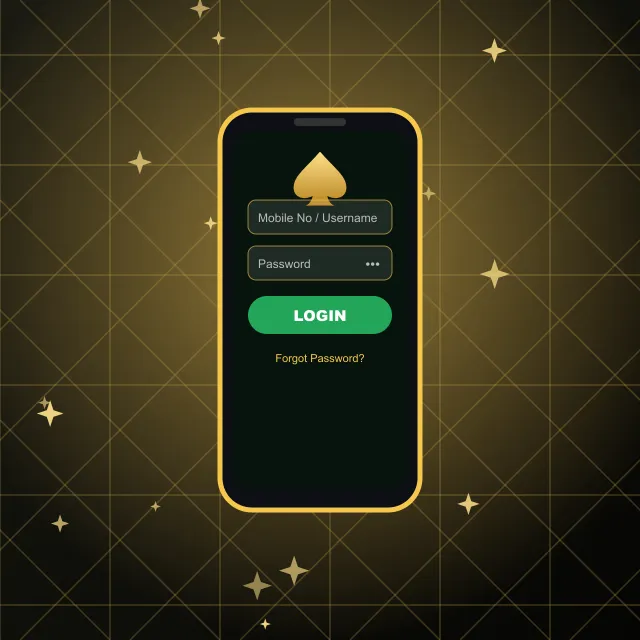
There are two ways in from a handset, and both use the same details.
On the web. Open our site in Safari, Chrome or another mobile browser. The layout shrinks to fit your screen, and the sign-in form shows two fields: Mobile No / Username and Password. Enter your number – start with 61 and drop the zero at the front – or your username, fill in the second field and tap the green button. This route works on iPhone, iPad and Android alike.
Through the APK. Tap the menu icon, choose DOWNLOAD APK and install the file on your device. If Android asks for permission to install it, allow it. Open the app and enter exactly the same number and details you use on the website.
Whichever route you pick, you land in one profile with one balance. Bonus progress, VIP level and transaction history follow you between the two. Once inside, the bottom bar gives you Home, History, Promo, Live Chat and Setting, so the tools you need most are always under your thumb.
A tip for shared devices: if someone else also uses your tablet, close the session when you finish so nobody can open your balance after you.
Spade69 Casino Login from a Computer
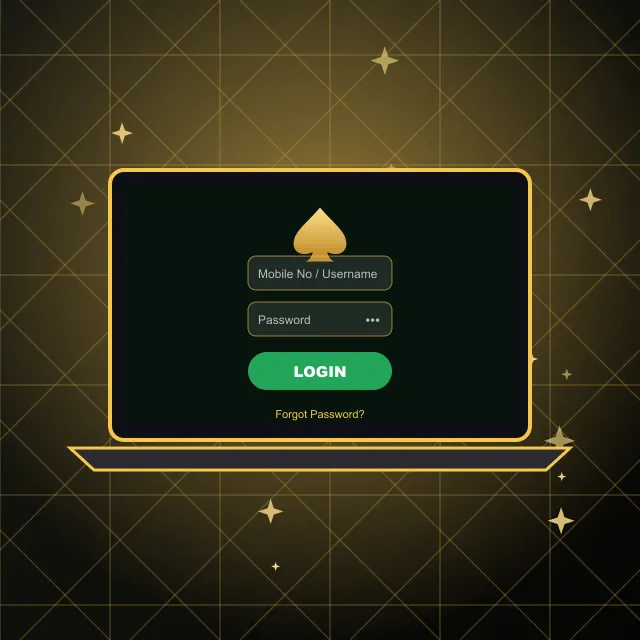
On a laptop or desktop, the process is just as short:
- Go to our home page on any up-to-date computer.
- Find the panel with the LOGIN and REGISTER buttons, just above your balance.
- Type your number or username in the first field.
- Add your password, 6 to 20 characters, in the second field.
- Confirm, and the lobby opens.
The form also links to Register for newcomers and to Forgot Password if you cannot recall your details. New players register with a name, phone number and password and confirm by SMS; that number then becomes the main way in.
From the lobby you can head straight to Deposit, claim offers in Promo or open your favourite games. The same balance is there whether you started on a computer or a handset. Bookmark our home page so the sign-in panel is always one click away, and keep your browser updated so every page loads properly.
Password Recovery and Account Security

Losing track of your details happens to everyone, and you can fix it yourself. On the sign-in form, choose the recovery link, type the number registered with us and press Reset Password. Follow the instructions, then return to the form and use your new details. A link under that button takes you back to the Spade69 casino login form in one tap.
A few habits keep your account secure:
- Make it strong. Use the full 6–20 character range with a mix of letters and numbers, and never reuse one from another site.
- Keep it private. Do not share your details with anyone, and do not paste them into chats or messages.
- Guard your number. It is tied to recovery and cannot be changed from inside your profile – only our team can help with that.
- Keep ID handy. We may ask for a photo ID before a withdrawal or some promotions. It is one more check that the person cashing out is you.
If you ever spot activity you do not recognise, set new details straight away and tell our support team.
When Your Spade69 Login Won't Go Through
If the form refuses your details, go through these checks in order:
- Number format. Begin with 61, leave out the leading zero and avoid spaces.
- Typing. Check for Caps Lock and for a stray space at the end; remember the 6 to 20 character limit.
- Page. Reload it or try a private window, because an old session can block a fresh attempt.
- Mobile route. If the app misbehaves, use the web version instead – the account is the same.
- Recovery. Still no luck? Run the recovery steps described above.
If a Spade69 casino login attempt keeps failing after all five checks, message us. Live chat opens from the bottom bar even when you are logged out, and WhatsApp and Telegram are available too, 24/7. When you write to support, tell us the number on your account and what you see on screen – that lets us check your account and sort the problem faster.
Spade69 Casino Login Questions
Can I use one Spade69 account in the app and on the website?
Yes. It is a single profile: the same number and details work on Android and in any browser, and your balance is shared.
How do I reset my Spade69 password?
Choose Forgot Password, enter your registered mobile number and press the reset button, then follow the instructions.
Can I reach support if I cannot get into my account?
Yes. Live chat works without signing in, and our team also replies on WhatsApp and Telegram around the clock. Have the number on your profile ready so we can find it quickly.
How can I keep my Spade69 account secure?
Use a unique password, never share it, close your session on shared devices and change it at once if anything looks wrong. Keep your registered phone number active, as it is the route to recovery.
Can I change the phone number linked to my account?
Not from the account settings. Write to our team and they will guide you through the change.